A few months ago, I wrote about Herdr, the terminal multiplexer I use to manage several coding agents at once. This week I started trying Rex, a new multiplexer built by Mitchell Hashimoto, the creator of Ghostty, and the team at Superlogical. Superlogical started public testing this month, sending invites to its mailing list. These are first impressions rather than a long-term review.
Like Herdr and tmux, Rex organizes terminals into sessions, tabs, and panes. The macOS app comes with its own local server that owns those sessions, so there is nothing extra to set up before getting started.
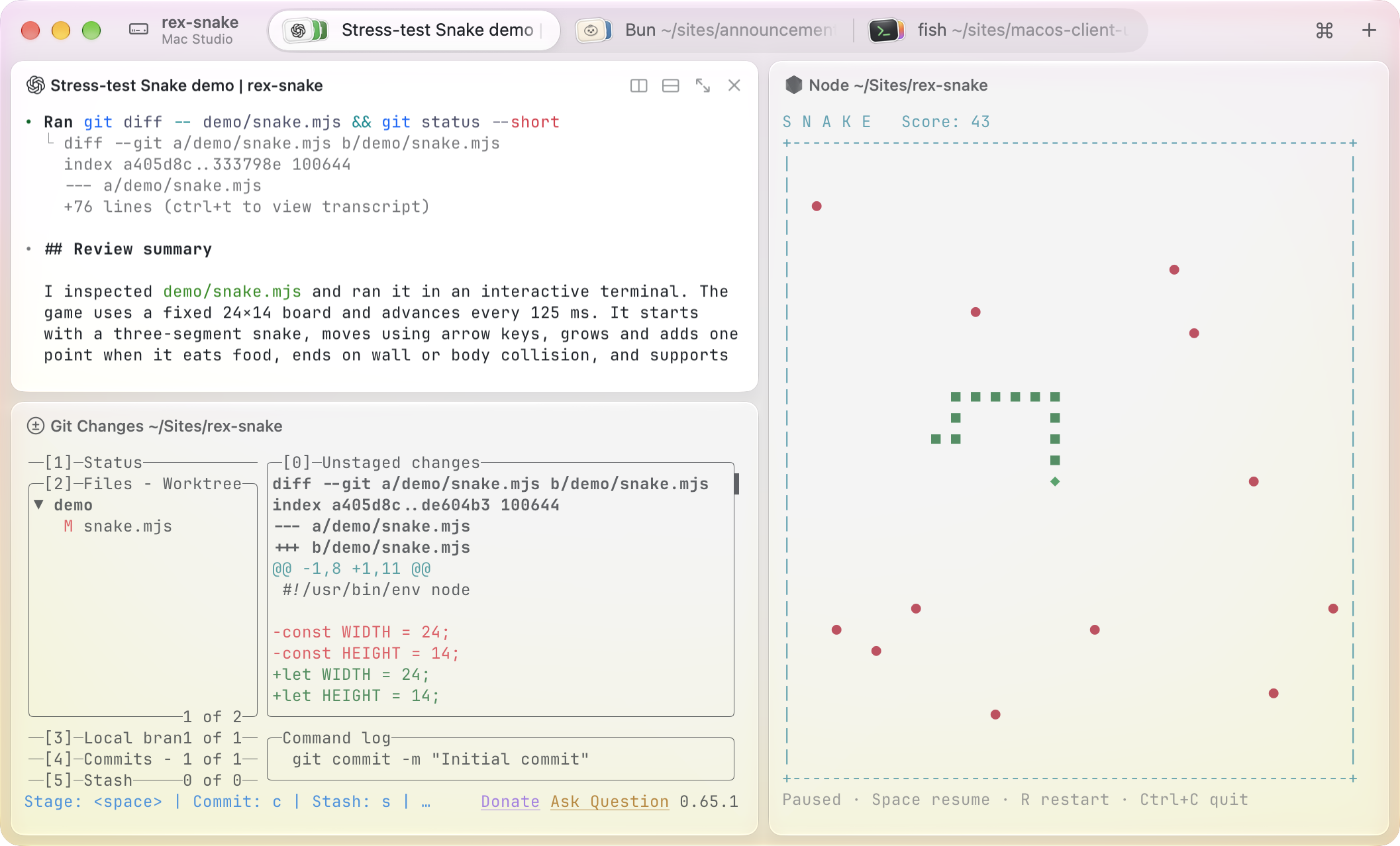
Screenshot from Superlogical’s public testing announcement.
No prefix key
The first thing I noticed is that Rex doesn’t use a prefix key. In Herdr and tmux, I press Ctrl+b before every command. Rex uses regular macOS shortcuts instead: Cmd+D splits a pane, Cmd+T opens a tab, and Cmd+K switches sessions. They feel like the shortcuts I already use in other Mac apps, so I picked them up within a few minutes.
The command palette
When I don’t know a shortcut, I open the command palette with Cmd+Shift+P and search for the action. Every entry shows its shortcut next to it, so the palette doubles as a reference while I learn. If I don’t like a shortcut, pressing Cmd+Enter on its entry lets me change it on the spot.
The agent skill
Rex ships with an agent skill that teaches coding agents like Claude Code and Codex to use the rex CLI. With it, an agent can open tabs, split panes, run commands in them, and read what is on another terminal’s screen. Setting it up takes one step: run Install Rex for Agents from the command palette, or rex skill setup from a terminal.
The skill also makes requests like “start the dev server in another tab and tell me when it’s ready” or “run the tests beside you and fix whatever fails” possible. The agent runs the work in its own pane, waits for it, and reads the result from the screen, so I don’t have to copy output between terminals.
Final thoughts
It’s early, and I haven’t retired my Herdr setup yet. So far, the shortcuts are my favorite part: I didn’t need to write a config file to get comfortable, and the command palette covers anything I haven’t memorized. I keep the defaults I use in a Rex cheat sheet.